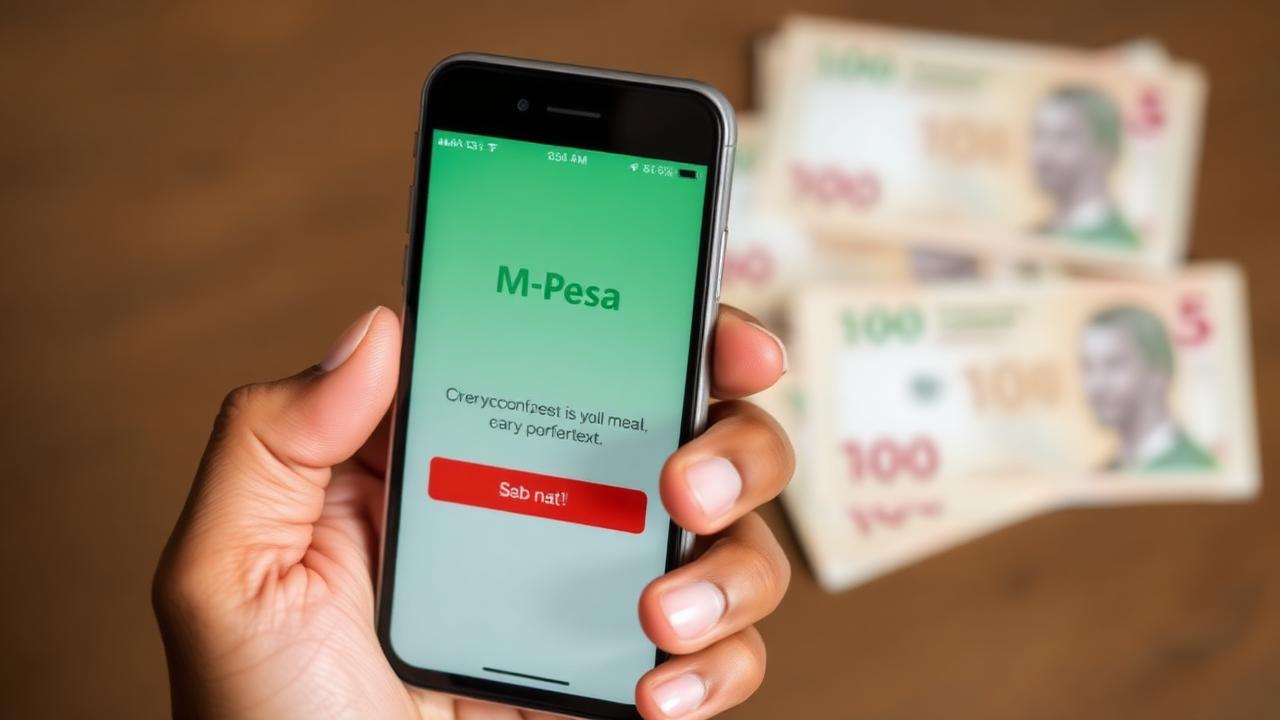
Create a Website for My Business Kenya: M-Pesa Integration Guide
Why M-Pesa integration is non-negotiable
70%+ of Kenyan online shoppers prefer M-Pesa over card payments. If your site doesn't offer it, you're losing the majority of potential customers. When you create a website for my business Kenya, M-Pesa must be baked in from the start.
Two ways to accept M-Pesa online
Option 1: Paybill/Till Number (Simple)
Customers manually send money to your Paybill/Till with a reference code.
Pros: Easy to set up, no coding needed.
Cons: Manual reconciliation, higher abandonment, no instant confirmation.
Option 2: STK Push via Daraja API (Recommended)
Customer enters phone number → gets instant prompt on their phone → approves with PIN → payment confirmed automatically.
Pros: Frictionless checkout, instant confirmation, automatic reconciliation.
Cons: Requires developer setup, Daraja approval process.
We implement STK Push on most projects under our web design service.
Step-by-step: Setting up Daraja API
- Register on the Safaricom Daraja portal (free)
- Apply for production access (3–7 business days)
- Get your Consumer Key, Consumer Secret, and shortcode
- Your developer wires the STK Push endpoint to your checkout
- Test with KES 1 transactions before going live
Conversion best practices for M-Pesa checkout
- Clear instructions: "Enter your Safaricom number to pay via M-Pesa"
- Trust signals: Show the Safaricom logo and "Secure Payment" badges
- Instant feedback: Show "Check your phone for the M-Pesa prompt" immediately
- Fallback option: Offer manual Paybill instructions if STK fails
- Confirmation: Send WhatsApp/SMS confirmation after successful payment
Common pitfalls to avoid
- Not testing on real Safaricom numbers before launch
- Forgetting to handle timeout scenarios (customer doesn't enter PIN)
- Not reconciling payments automatically in your system
- Using HTTP instead of HTTPS (Daraja requires secure endpoints)
How long does integration take?
- Daraja approval: 3–7 business days
- Development & testing: 2–4 days
- Total timeline: 1–2 weeks from application to live checkout
Get M-Pesa ready in your new site
We include Daraja STK Push setup on all e-commerce and service booking projects. Message us on WhatsApp to discuss your payment needs.